
Home office
How to pick task lighting that reduces screen glare
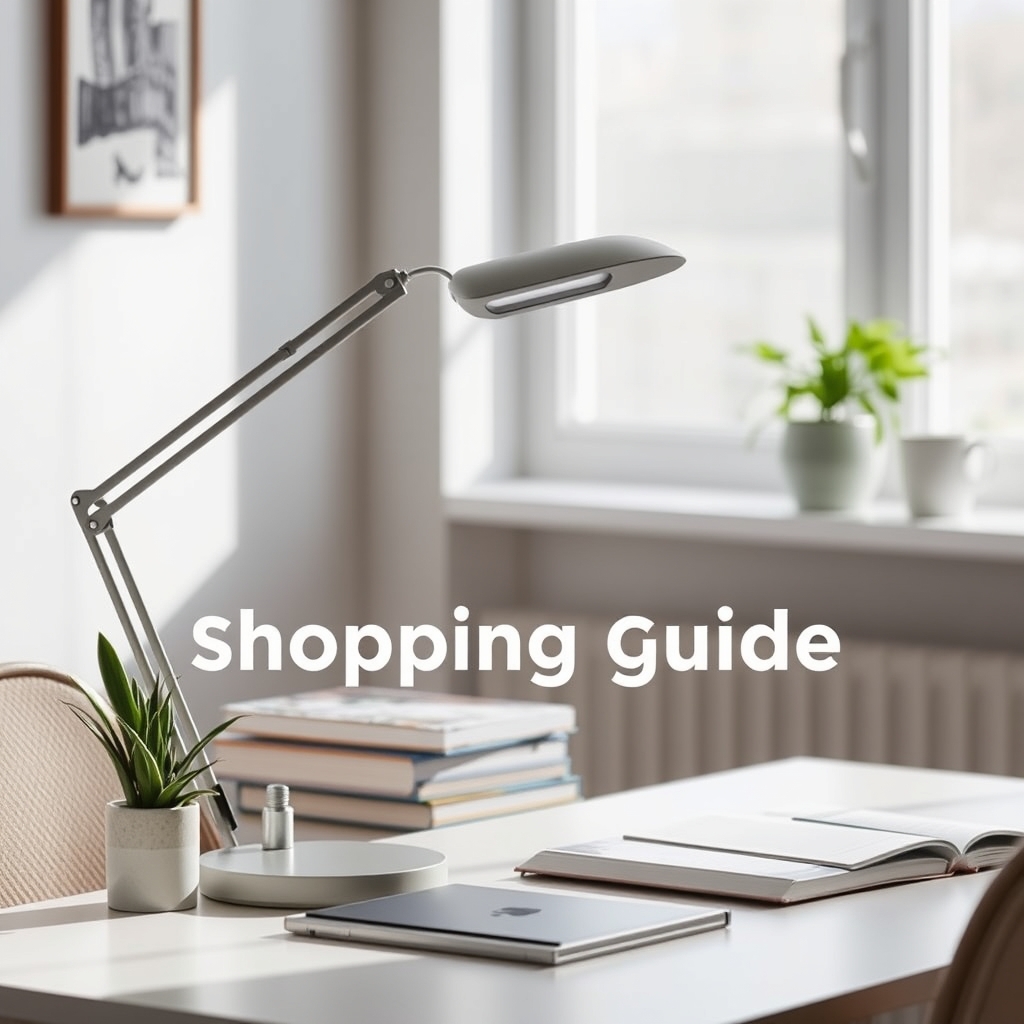
How we earn. FindMyProduct is free. When you go from our assistant or guide to a store through a partner link, we may earn a commission, at no extra cost to you. It never changes the price you pay. Nobody on our team tested the products in this guide; it is general buying advice, so always check the store's listing and returns policy.
Compare stores for “anti glare task lamp”
Open 6+ official retail stores in your country pre-filled with this search in a new tab, or refine your budget and must-have specs with our free AI product finder.
💎 Official partner search links · $0 markup · ⏳ Confirm final price, stock & returns on the store site.
What does task lighting actually do?
Task lighting gives you extra light where you work, so your eyes do not strain to read papers or see your keyboard. It sits close to the job rather than lighting the whole room. That focus is what separates it from general ceiling light.
The aim with a screen nearby is balance. If the lamp is much brighter than the screen, your eyes keep adjusting between the two. If the room is much darker than the screen, the bright display becomes tiring. Good task lighting sits somewhere sensible between the two.
Nobody can promise a specific result, because comfort depends on your height, the room and how long you work. Treat any setup as something to adjust over a few days rather than a fixed answer.
Where should the lamp sit relative to your screen?
Keep the light source out of your line of sight and away from the screen surface. A lamp placed to the side of your desk, angled down onto the work area, usually keeps reflections off the display. Placing it directly in front of or behind the screen tends to cause glare.
Think about which hand you write with. Putting the lamp on the opposite side reduces the shadow your hand casts on the page. This matters more than most people expect when you read or take notes.
Adjustable arms, heads and joints give you room to move the light as you change tasks. Check the listing for how far the arm reaches and how the head tilts, then compare that with your desk layout before you commit.
Which features are worth checking on the listing?
Look for adjustability first: height, angle and direction. Then check dimming, because a lamp you can turn down is easier to balance against a bright screen. Some lamps offer colour temperature settings, which change how warm or cool the light looks.
Read the product dimensions carefully and compare them with your space. A lamp that looks compact in a photo may still crowd a small desk. Check the base size, the reach of the arm and the height at full extension.
Check the power source and cable length too. A short cable can decide where the lamp can actually go. If the listing is unclear on any of these points, ask the store or check the manufacturer's information.
How do you reduce glare once the lamp is in place?
Start with the screen. Most displays let you adjust brightness, and matching it roughly to the room reduces the contrast your eyes handle. Follow the manufacturer's instructions for your device rather than guessing at settings.
Then adjust the lamp so the light lands on the desk, not the screen. Tilt the head away from the display and dim it until the desk feels evenly lit. If you can see a bright patch reflected in the screen, move the lamp.
Position your desk so the screen faces away from a bright window where you can. You may not control the room, but small changes in angle often help more than a new purchase.
What questions should you ask before buying?
Ask how much the lamp adjusts and whether it holds its position once set. Ask whether it dims smoothly or in steps. Ask what the base needs in terms of space and whether it clamps to the desk instead of standing on it.
Ask about the return policy and the warranty, since these differ by store and country. Check the listing for what is included in the box, such as a bulb or a power supply. If a detail is missing, contact the store before you order.
It also helps to compare a few options side by side rather than deciding from one page. FindMyProduct can point you to stores in your country that sell task lighting, and you can set a price alert so you hear when a checked price reaches your target.
Common mistakes to avoid
A frequent mistake is buying before measuring. A lamp that overhangs the desk or cannot reach your papers adds clutter rather than comfort. Measure the space first and compare it with the product dimensions on the listing.
Another is placing the lamp in front of the screen, which puts the light straight into your eyes or onto the display. A third is choosing a fixed lamp when your tasks change through the day.
People also forget the room around the desk. A very bright lamp in a dark room creates its own contrast problem. Aim for a balanced setup and adjust it over time.
A short checklist before you buy
Run through these points before you order, and check anything unclear on the store's listing or with the manufacturer. Consumer rights and returns rules vary by country, so look up your local consumer body if you need guidance.
Keep the checklist short and practical. It is easier to use than a long list of features you may never need.
- Measure your desk space and compare it with the product dimensions
- Check that the arm, head and height adjust
- Confirm the lamp dims and how the control works
- Check the base size or clamp requirement
- Note the cable length and power source
- Read the returns policy and warranty
- Check whether a bulb or power supply is included
How FindMyProduct can help
FindMyProduct is free to use and does not sell anything. It shows you stores in your country that stock what you need, and the store's own terms apply to your purchase. Some links are partner links, which may earn a commission at no extra cost to you.
The site never guesses a price. A price appears only when it has a named source and a check time, so you can see where it came from. Price alerts are saved on your own device and fire only when a checked store price reaches your alert.
Compare stores for “anti glare task lamp”
Open 6+ official retail stores in your country pre-filled with this search in a new tab, or refine your budget and must-have specs with our free AI product finder.
💎 Official partner search links · $0 markup · ⏳ Confirm final price, stock & returns on the store site.
Questions and answers
Can task lighting stop screen glare completely?
No lamp can promise that. Glare depends on your screen, the room, the window and how you sit. Adjustable task lighting gives you more control, and you can fine-tune the position and brightness over a few days.
Should the lamp go on the left or the right?
Put it on the opposite side to your writing hand so your hand does not cast a shadow on the page. If you mostly type, choose whichever side keeps the light off your screen and out of your eyes.
Is dimming important?
Dimming helps you balance the lamp against a bright screen and a darker room. A lamp you can turn down is easier to live with through the day than one fixed brightness.
How do I check a lamp will fit my desk?
Measure your desk space, then compare it with the product dimensions on the listing. Check the base size, the reach of the arm and the cable length. Ask the store if any detail is missing.
What if the lamp does not suit me?
Returns policies and consumer rights differ by store and country. Read the returns policy before you buy and check your local consumer body for guidance on your rights.


